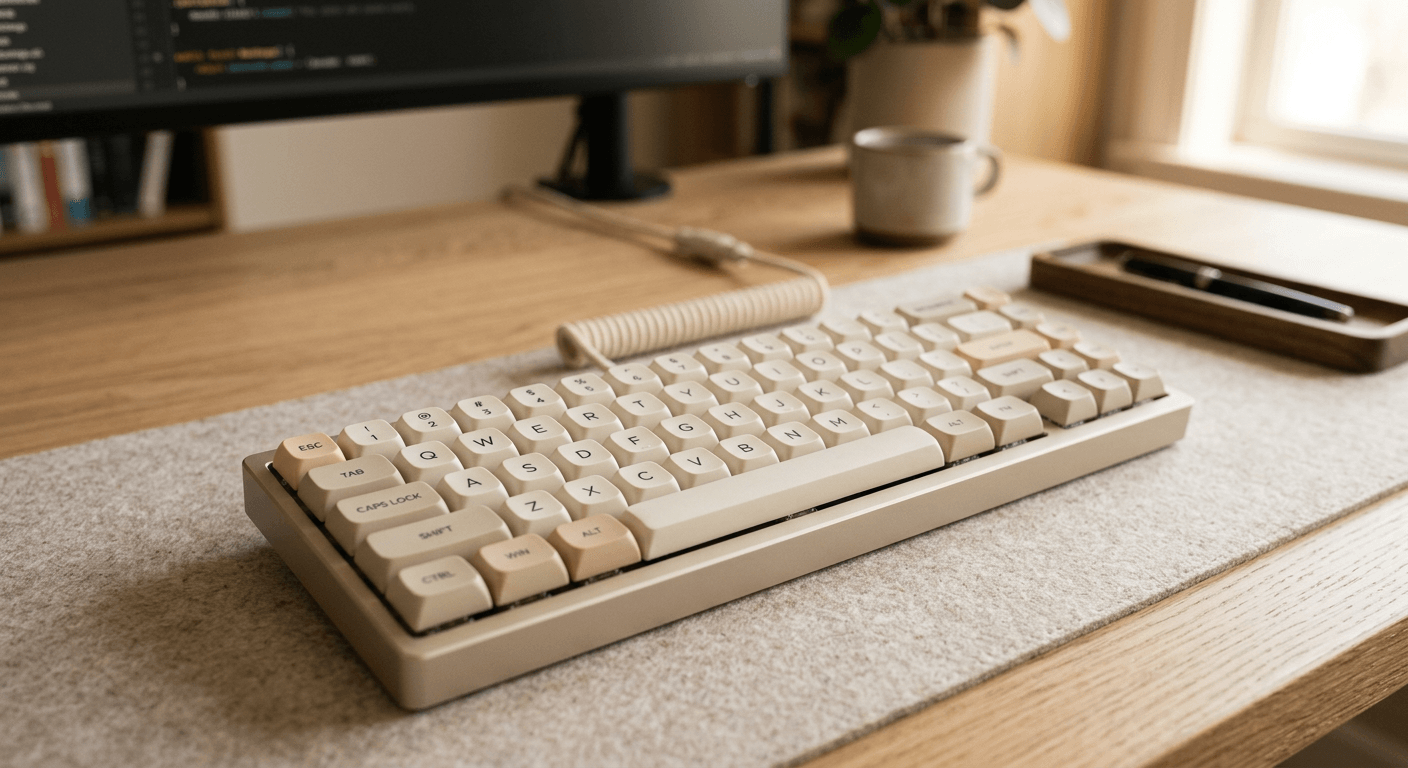
What programmers should prioritize
Mechanical keyboard culture can make simple choices feel complicated. For work, the useful questions are practical: does the layout keep your mouse close, are the switches comfortable, and will the sound bother you or others?
A good programming keyboard disappears during focused typing. It should not require constant firmware tinkering unless you enjoy that as a hobby.
Recommended paths
- Best premium-feel compact board: Keychron Q1 or similar 75 percent aluminum boards for users who want function keys and a smaller footprint.
- Best quiet office route: a hot-swap board with silent tactile or silent linear switches and damped stabilizers.
- Best ergonomic experiment: a split keyboard if shoulder width, wrist angle, or mouse reach is causing discomfort.
- Best budget path: a simple hot-swap tenkeyless board with standard keycaps before moving into niche layouts.
Layout decisions
Full-size keyboards are sensible for spreadsheets, finance, CAD, or frequent numpad work. For many developers, they push the mouse too far right and increase shoulder reach.
Tenkeyless and 75 percent layouts keep navigation and function keys while reducing width. They are easy transitions for most programmers.
Compact 60 and 65 percent boards save space but move common keys into layers. That can be efficient after learning, but it is not automatically better for work.
Switches and sound
Clicky switches are rarely the best default for programming. They can be satisfying, but the sound travels through rooms and calls. Tactile switches provide feedback with less noise, while linear switches can feel smooth and fast.
Switch weight matters. Heavy switches may feel premium for a short test and tiring after a full day. If you are unsure, start moderate and prioritize consistency over novelty.
Case material, plate design, keycaps, desk mat, and stabilizers all affect sound. Do not expect the switch name alone to predict the final result.
Features worth paying for
- Hot-swap sockets for changing switches without soldering.
- QMK or VIA support if you need reliable remapping.
- A layout with standard keycap sizes if you want easy replacements.
- Stable wireless only if you truly need it. Wired is simpler for many desks.
- Good stabilizers for spacebar, shift, enter, and backspace keys.
FAQ
Are mechanical keyboards better for coding?
They can be more satisfying and maintainable, but they do not automatically improve productivity. Comfort and layout fit matter more.
What switch is best for programming?
There is no universal best. Quiet tactile switches are a safe office-friendly starting point.
Should I buy a split keyboard?
Consider one if shoulder reach, wrist angle, or forearm rotation is a real problem. Expect an adjustment period.