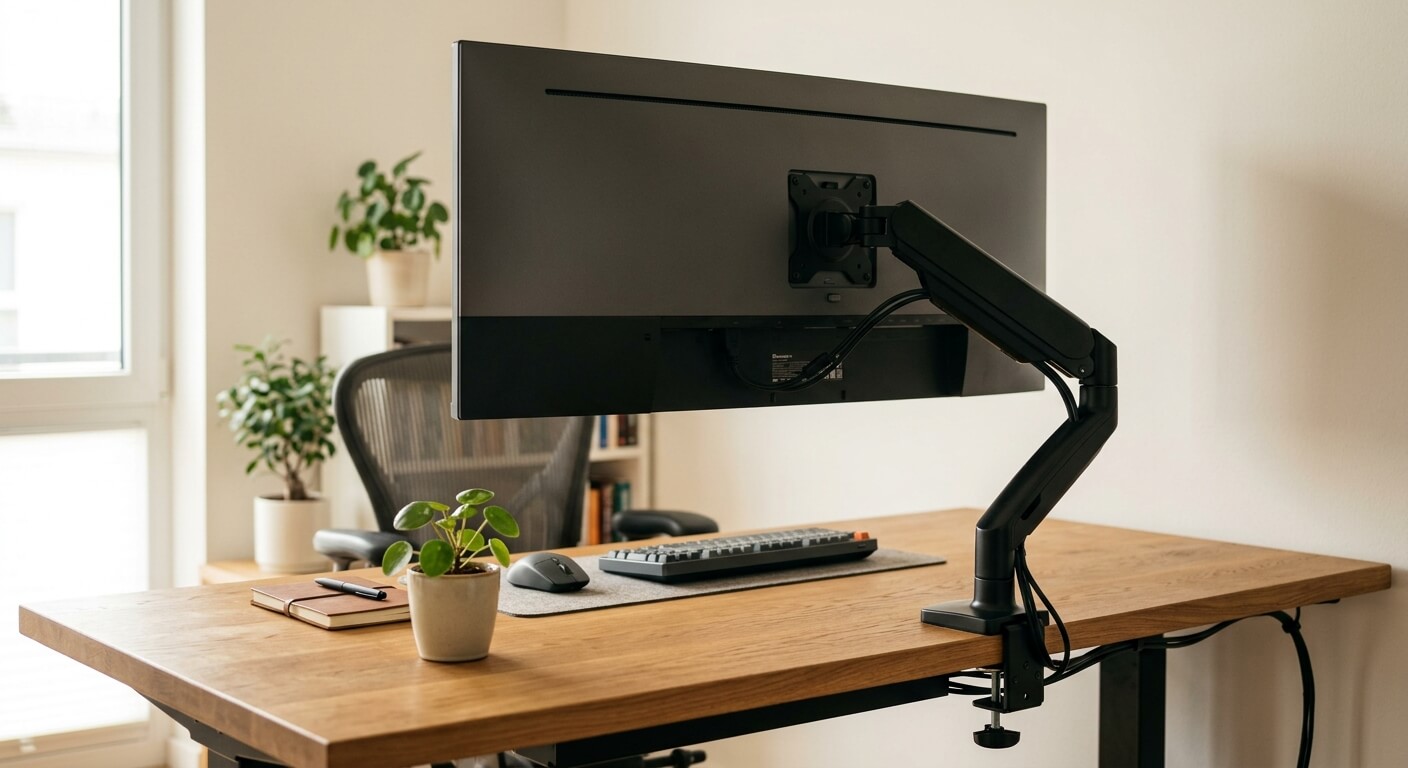
Why ultrawides are harder to mount
A monitor arm can make an ultrawide setup cleaner and more ergonomic, but heavier displays magnify every weakness in the arm and desk. The screen is wider, the center of gravity can sit farther forward, and curved panels often stress tilt joints.
Do not buy by advertised maximum weight alone. The arm must hold the monitor at the distance and tilt you use, on the desk surface you own.
What to shortlist
- Best proven single-arm category: premium arms from established ergonomic brands with published weight ranges and strong tilt mechanisms.
- Best heavy-display route: heavy-duty arms or pole mounts designed for large curved screens.
- Best budget route: only for lighter 34-inch ultrawides with conservative extension and a sturdy desk.
- Best fixed setup: a riser or fixed VESA stand if you rarely move the display and need maximum stability.
Compatibility checks
Remove the original stand weight from your thinking. Monitor-arm limits apply to the display itself, but the display shape affects torque. Curved ultrawides and super ultrawides can behave heavier than their scale weight suggests.
Check whether the VESA mount is centered and recessed. Some monitors need spacers. Others place the mount in a way that changes how the display balances.
Desk compatibility is just as important. Thin particleboard, beveled edges, cable trays, and rear modesty panels can interfere with clamps.
Setup advice
Start with the arm tension set according to the display weight, then make small adjustments. If you crank tension randomly, you can make movement worse or stress the mechanism.
Keep the monitor close to the arm post when possible. Fully extending a heavy ultrawide increases leverage and wobble.
Use cable slack that allows the full height range. A clean-looking cable run that pulls at standing height is not finished.
When not to use an arm
Skip an arm if your desk cannot safely take a clamp or grommet mount. Also skip one if your monitor is outside the arm range, even by a small amount.
A fixed stand can be better for very heavy displays, shallow desks, or users who never adjust the screen. Ergonomics is about reliable position, not movement for its own sake.
FAQ
Can any monitor arm hold a 34-inch ultrawide?
No. Many can hold lighter 34-inch models, but you must check weight, VESA mount, tilt strength, and desk clamp conditions.
Why does my ultrawide tilt downward?
Tilt sag usually means the tilt joint is overloaded or not tensioned correctly. The monitor may be within weight limits but still too demanding for that joint.
Do monitor arms damage desks?
They can mark or flex weak desktops. A reinforcement plate can spread load, but it does not make every desk suitable.