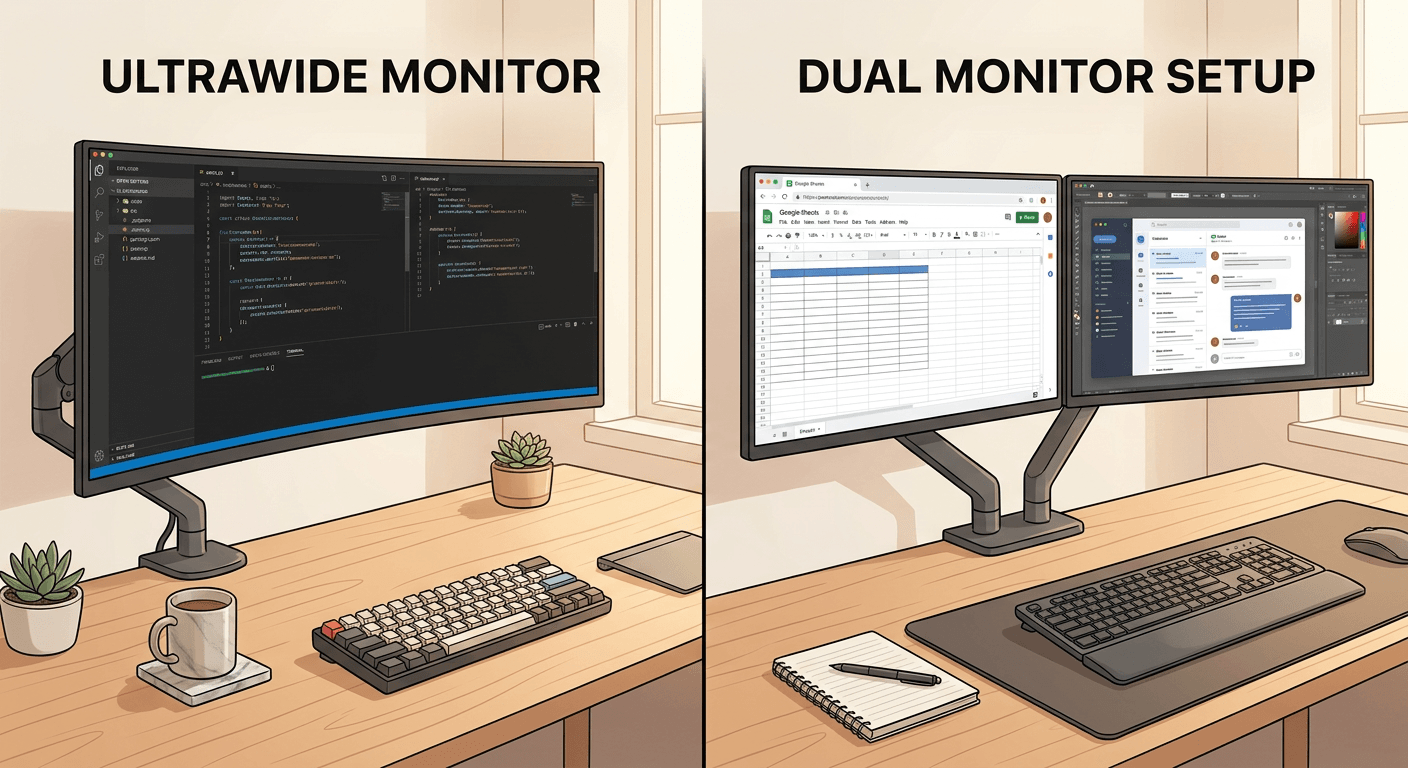
The real decision
This is not only a screen-space question. Ultrawide displays reduce bezels and simplify some cable runs, while dual displays create clearer zones for different tasks.
Developers often benefit from both styles. The right answer depends on whether you prefer one large canvas or separate work surfaces.
Coding workflow
An ultrawide is excellent for editor plus terminal plus browser in one sweep. It also works well for timelines, wide spreadsheets, and apps with side panels. The risk is window sprawl, where everything stays open and focus gets worse.
Dual monitors are strong when one screen has code and the other has documentation, logs, design previews, or communication. The risk is neck rotation if both screens are treated as equal primaries.
Meetings and sharing
Ultrawides can be awkward for screen sharing because sharing the full display may produce tiny text for viewers. You can share a window, but that requires discipline.
Dual monitors make meetings easier for many people: share one screen or window while keeping notes and chat on the other. This is one reason dual setups remain popular in remote work.
Ergonomics and desk fit
- Ultrawide setups often need a strong arm or a deep desk to place the screen correctly.
- Dual monitors need careful angle and height matching to avoid constant neck rotation.
- A single 34-inch ultrawide can be cleaner than two mismatched monitors.
- Two 27-inch 4K monitors can offer excellent text clarity but require more width and cables.
Recommendation
If you want the simplest clean desk, choose one good ultrawide or one sharp 4K monitor before building a wall of screens.
If you live in documentation, preview apps, dashboards, or video calls, dual monitors may feel more organized.
If you are unsure, start with one excellent primary monitor and add a second only when you can name the job it will do.
FAQ
Is ultrawide better for coding?
It can be, especially for side-by-side panes. It is not automatically better if you need strict task separation or frequent screen sharing.
Are dual monitors bad for posture?
No, but placing both as equal primaries can cause neck movement. Make one primary and angle the secondary.
What about one 32-inch 4K monitor?
That is a strong middle path: sharp text, simpler cables, and less width than dual 27-inch displays.